
For businesses serving customers in different countries, a website is often the first point of contact. Visitors need to understand your products, your services, and how to get in touch. Providing that information in their language makes the experience easier.
Managing a multilingual business website, however, involves more than translating existing pages. Each language version needs accurate information, clear navigation, and a reliable process for updates.
Start with your target markets
Support for many languages does not mean you need to launch every language at once. Prioritize the languages used by your current customers and the markets you want to reach.
For a business working primarily with customers in Türkiye and Germany, Turkish and German may be the most useful starting point. English can then support communication with a broader international audience.
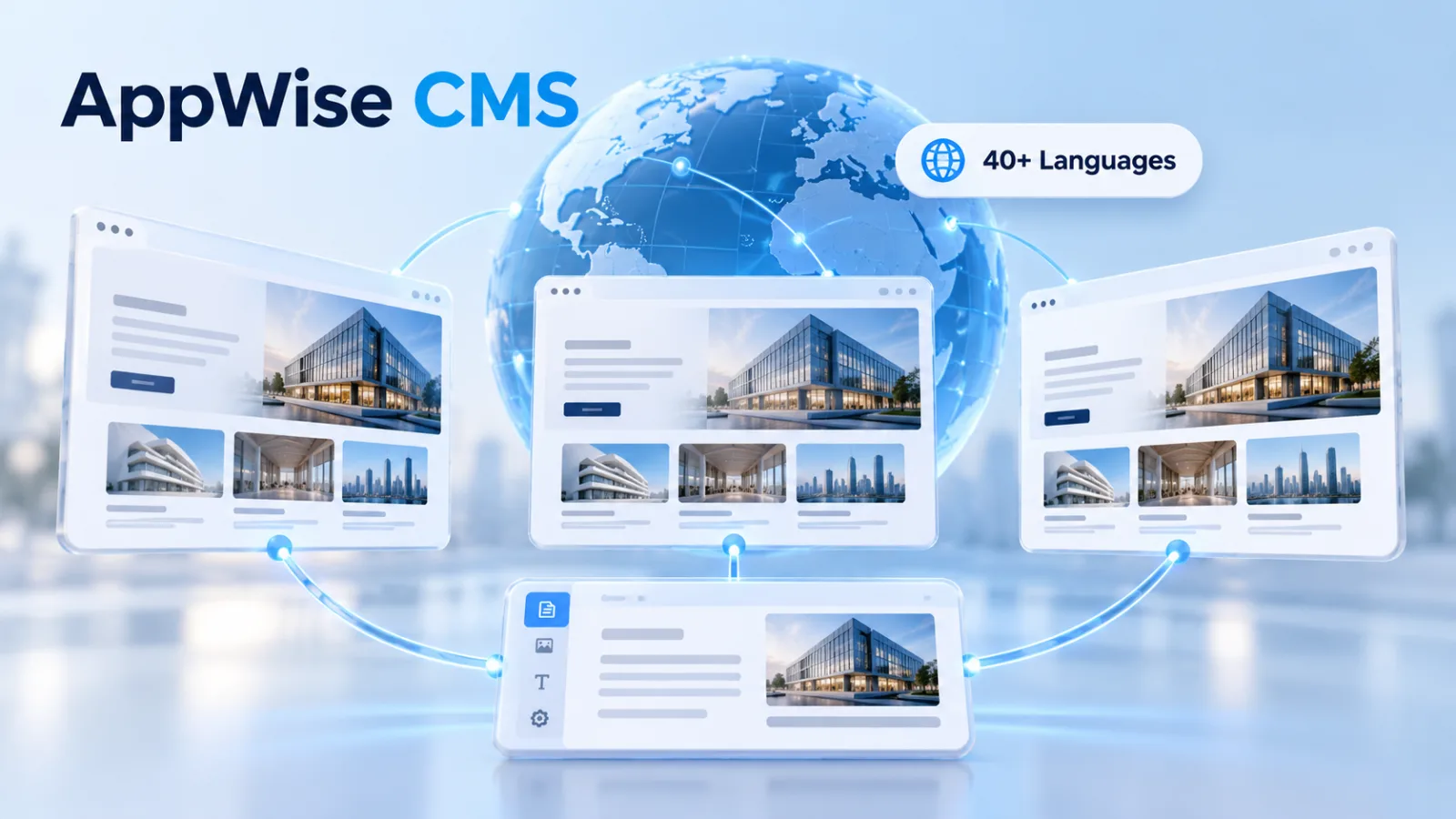
AppWise CMS supports over 40 languages, allowing you to plan your website’s language coverage around your business needs. The priority should be maintaining useful content in each published language.
Translate the essential visitor journey first
Begin with the pages customers need to understand your offer and take the next step:
Your homepage and company introduction.
Product or service descriptions.
Contact details and inquiry instructions.
Frequently asked questions and information about your working process.
A translated service page is less helpful if the next step leads to an untranslated contact page. Review the complete journey rather than treating each page as an isolated translation task.
Adapt your content to the audience
Effective multilingual content should sound natural and communicate the same meaning accurately. Industry terminology, date formats, units of measurement, and tone may differ between markets.
Pay particular attention to statements about service availability, delivery areas, and customer support. A translated page should not imply that you provide a service or support language your business does not actually offer.
Organize content through a central system
AppWise CMS provides management areas for pages, products, categories, navigation menus, and blog posts. Its multilingual structure supports organizing content across different language versions.
Language support should not be confused with automatic translation. Content still needs to be prepared, reviewed, and entered into the relevant language fields before publication.
Keep language versions up to date
When a service description changes, updating only the original page can leave international visitors reading outdated information.
A simple content checklist can help you track which pages need changes and which translations have been reviewed. Include navigation menus, contact details, links, and untranslated fields in your regular checks.
Each published language version should give visitors enough information to complete the essential steps on your website.
Review multilingual SEO separately
Separate URLs for language versions, correct page language declarations, and appropriate hreflang relationships are technical considerations that need attention. Page titles and meta descriptions should also be written for the content and audience of each language version.
Adding a language does not automatically confirm that these elements are configured correctly. They should be checked on the published website.
Plan your multilingual website with AppWise CMS
The goal is to provide clear, current information to the people you want to reach. The number of available languages is only one part of that work.
With support for over 40 languages, AppWise CMS gives you a basis for planning multilingual content around your business priorities. Contact us to discuss your target markets and website content requirements.